
Jewelry Product Photography FAQ: Images That Sell
Jewelry Product Photography FAQ
You cannot touch a jewelry product online, so the photo does all the convincing. A $3 stainless steel ring can look like a $50 piece with clean light and a plain background, or look cheap under a bad phone flash. The good news: you do not need a studio. This FAQ covers the lighting, background and setup that turn ordinary stock images into a store customers trust, using a phone and a small budget.
Why supplier photos are not enough
Most new stores start with the supplier's catalog images, and it is fine for the very first days. But the same images appear on dozens of other stores. Search engines and customers both notice duplicate imagery. Shooting your own photos is the single easiest way to look like a real brand instead of a reseller. You do not need perfect photos on day one, you need photos that are consistent and clearly yours.
Lighting: the one thing that matters most
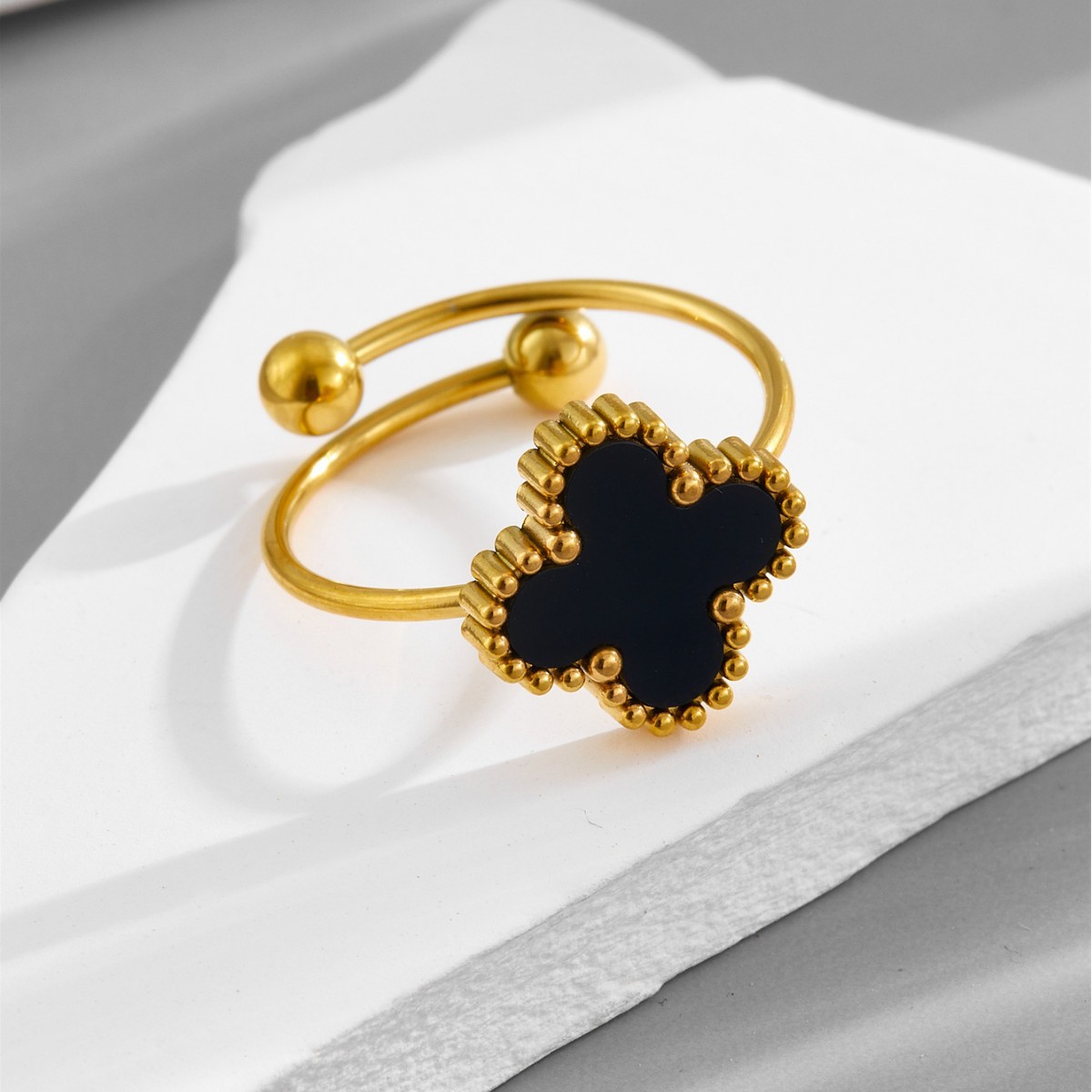
Jewelry is small, shiny and reflective. Harsh direct light creates hot spots and shadows. Soft, diffused light is the answer. A window with sheer curtains on a cloudy side gives free softbox light. Two cheap softbox lights around $20 to $30 each, set at 45 degrees to the piece, remove shadows and make metal glow. Avoid the built-in phone flash, it blows out the surface and creates reflections of the camera.
| Setup | Cost | Quality |
|---|---|---|
| Phone + window light | $0 | Good to start |
| 2 cheap softboxes + tripod | $40-60 | Consistent, studio feel |
| Lightbox tent | $30-50 | Great for small pieces |
| Professional photographer | $20-80 per SKU | Best, but pricey at scale |
Backgrounds, angles and the detail shot
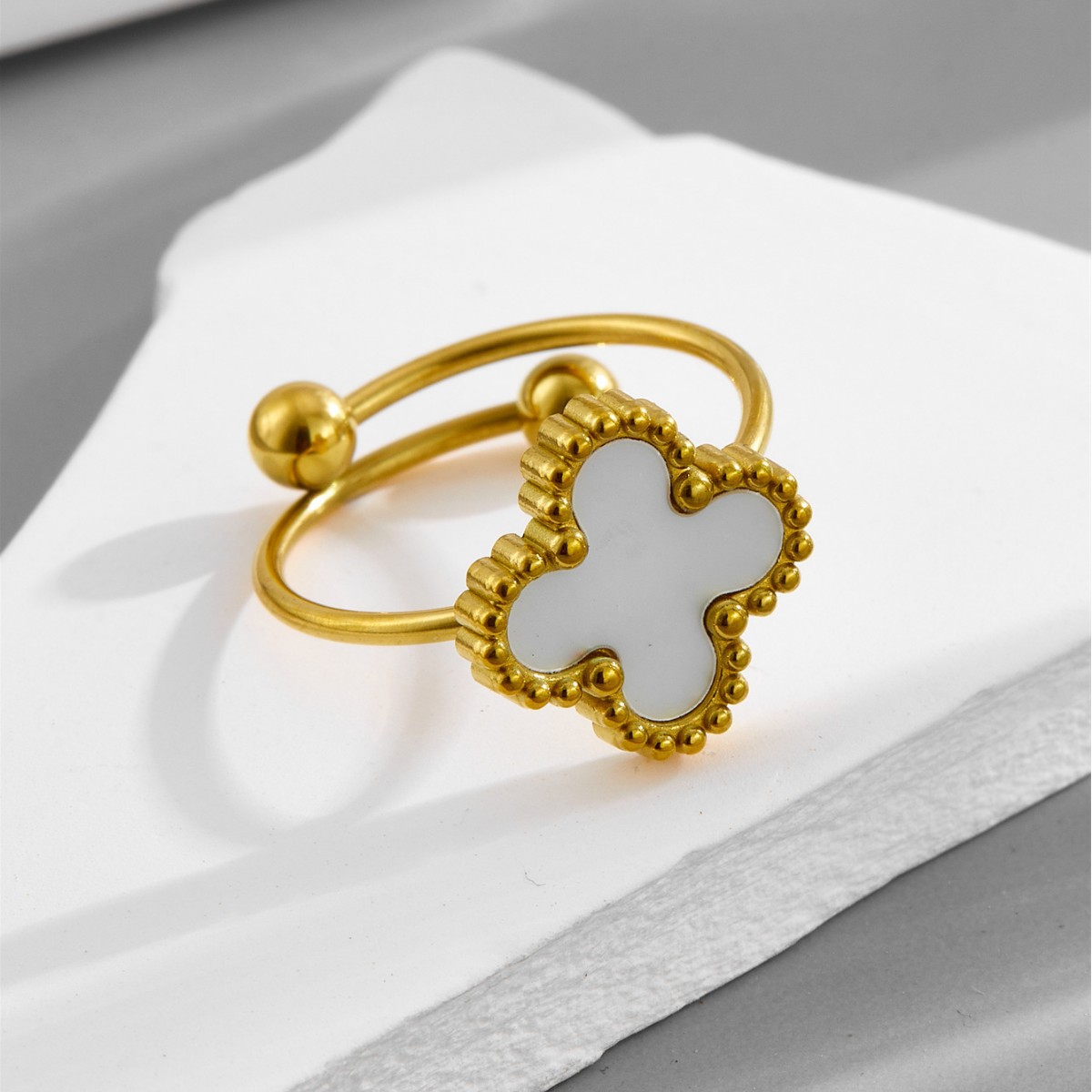
White or off-white backgrounds make jewelry pop and match marketplaces. For brand pages, a light gray stone or wood surface adds warmth. Every piece needs a few shots: straight on, a slight angle, and a close-up of the detail (the engraving, the clasp, the texture). Add one on-body or lifestyle shot showing scale, because online buyers struggle to judge size. A ring held next to a coin or worn on a hand solves that confusion.
Editing that stays honest
Light editing is fine: brighten, straighten, remove dust specks. Heavy filters that change the color of the metal are not. Customers expect the rose gold to actually be rose gold. Keep the color accurate, even if the raw shot is flat. Consistency matters more than drama: same background, same light, same angle across your whole catalog makes the store look curated. There are free tools that batch-resize and add a white background, so you can process 20 shots in minutes.
The 5-shot list per product
Main white-background shot, angled detail, macro close-up, on-body or scale reference, and a lifestyle flat-lay. Five consistent images per SKU beats fifty inconsistent ones.Frequently asked questions
Can I take good jewelry photos with just a phone?
Yes. Modern phone cameras are more than enough for web images. The limiting factor is light and steadiness, not the camera. Use a tripod, soft light, and tap to focus on the piece. A $15 tripod does more than upgrading your phone.
What background should I use?
A plain white or off-white card for product listings, which marketplaces prefer. For your own brand page, light gray, pale wood, or stone surfaces add style. Avoid busy patterns and anything that competes with the jewelry.
How do I avoid reflections and glare on metal?
Diffuse the light. Softboxes, a light tent, or even white paper around the piece soften reflections. Shoot at an angle rather than straight into the shiny surface, and turn off other bright light sources that bounce around.
Do I need to hire a photographer?
Not at the start. Shoot your first 50 to 100 products yourself to learn the look and save cash. Once a style becomes a best seller, it is worth paying for a few premium shots. Mixing DIY and pro images keeps quality consistent.
What image size should I use?
At least 1500 pixels on the longest side so customers can zoom, on a square 1:1 canvas for the main listing image. Keep file sizes under about 500KB so pages load fast. Zoomable detail shots raise conversion.
How many photos should each product have?
Five to eight covers the buyer's questions: main, angle, detail, scale, and lifestyle. Fewer than three and people hesitate; more than ten and you slow the page. Quality and angle variety beat quantity.
Should I show the jewelry worn on a model?
If you can, yes. Worn shots help customers imagine the piece on themselves and lift conversion, especially for necklaces and earrings. Even a simple hand or wrist shot showing scale is better than a white-background-only listing.
How do I keep photos consistent across my catalog?
Set up one permanent mini-station: same table, same lights, same background, same phone angle. Batch shoot 20 products in an afternoon instead of setting up each time. That consistency is what makes a store look professional.
Bottom line
Great jewelry photos are about soft light, clean backgrounds and consistency, not expensive gear. Start with a phone and window light, add cheap softboxes, and shoot your own versions of the stock pieces. Original images are one of the cheapest ways to look like a brand.
- Company Info
- Feedback
- Customer Reviews
- About Us
- Dropshipping
- FAQ
- Jewelry Wholesale Blog
- User Center
- Forget Password
- My Orders
- Tracking Order
- My Account
- Register
- Payment & Shipping
- Terms And Conditions
- Return Policy
- Shipping Methods
- Payment Methods
- Discount